01
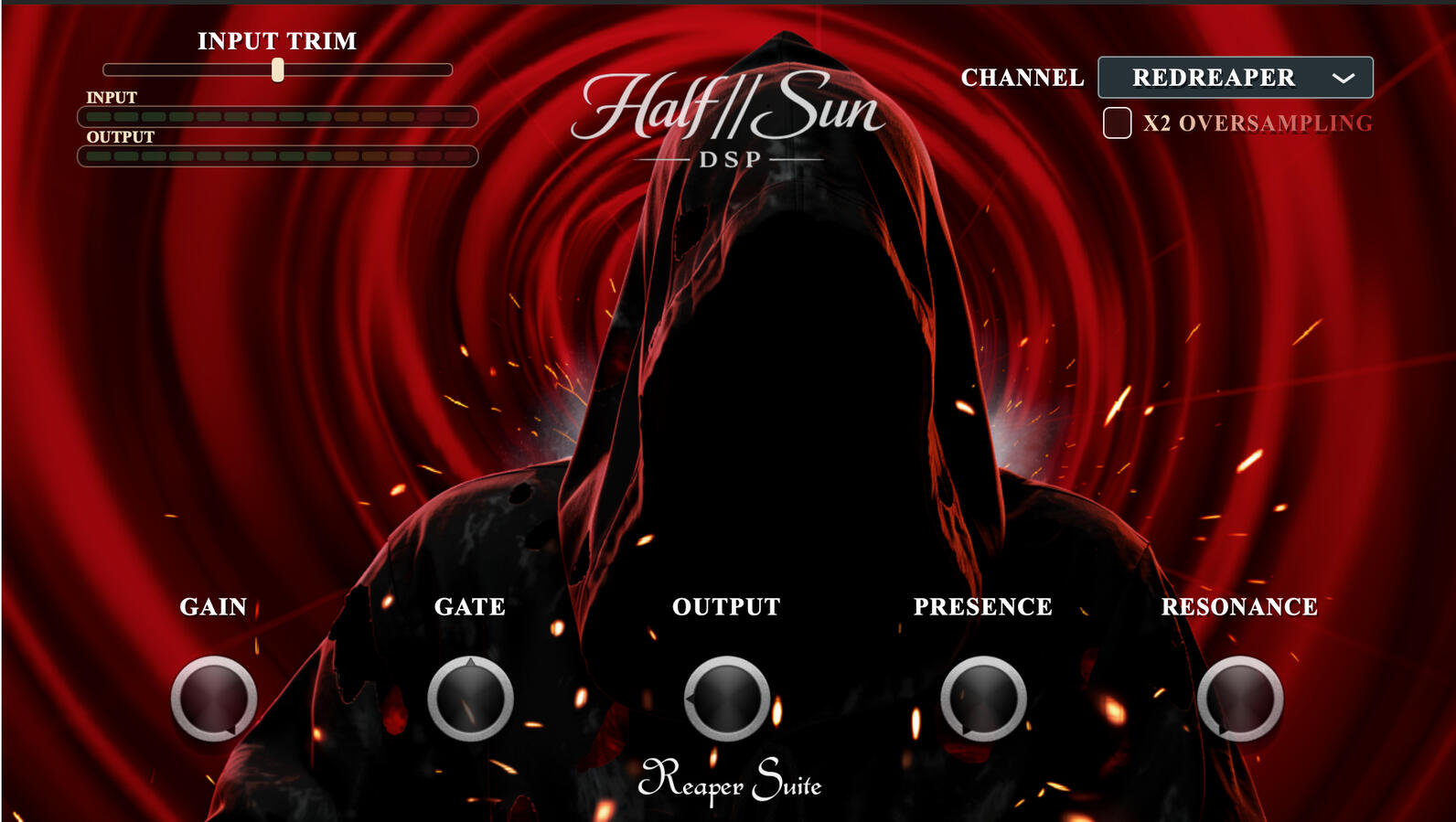
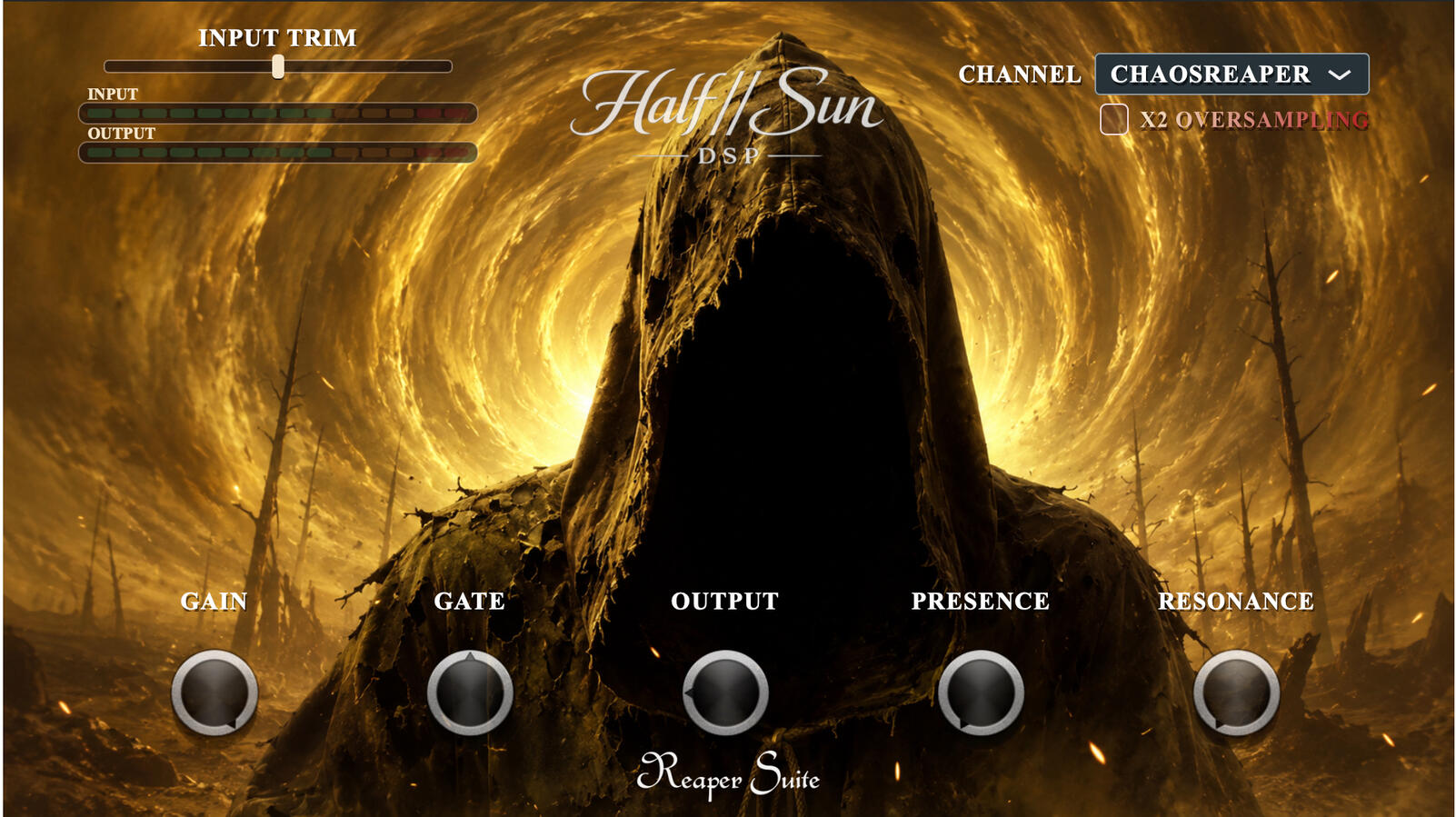
REDREAPER Inspired by Something Wild · 1997
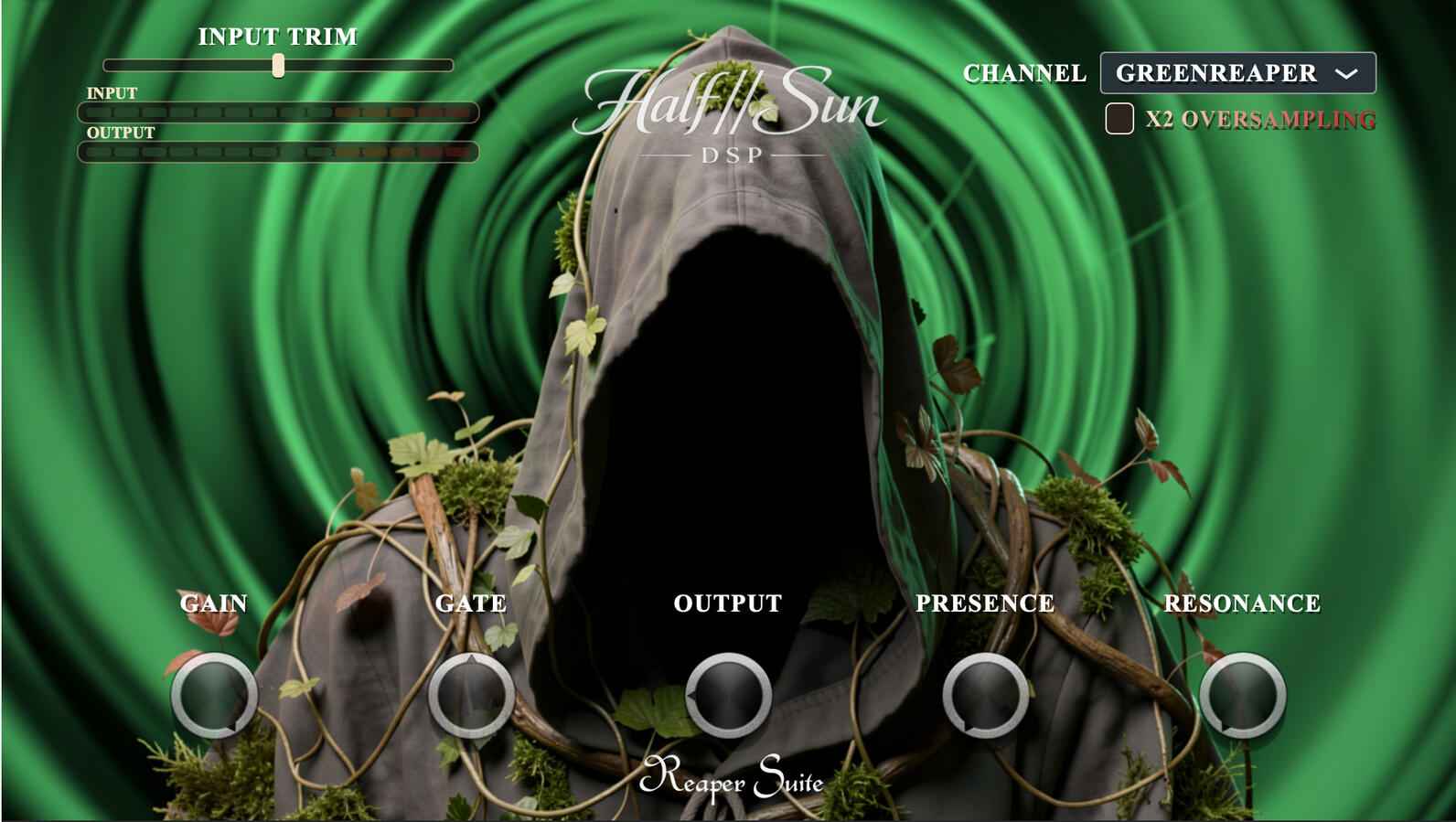
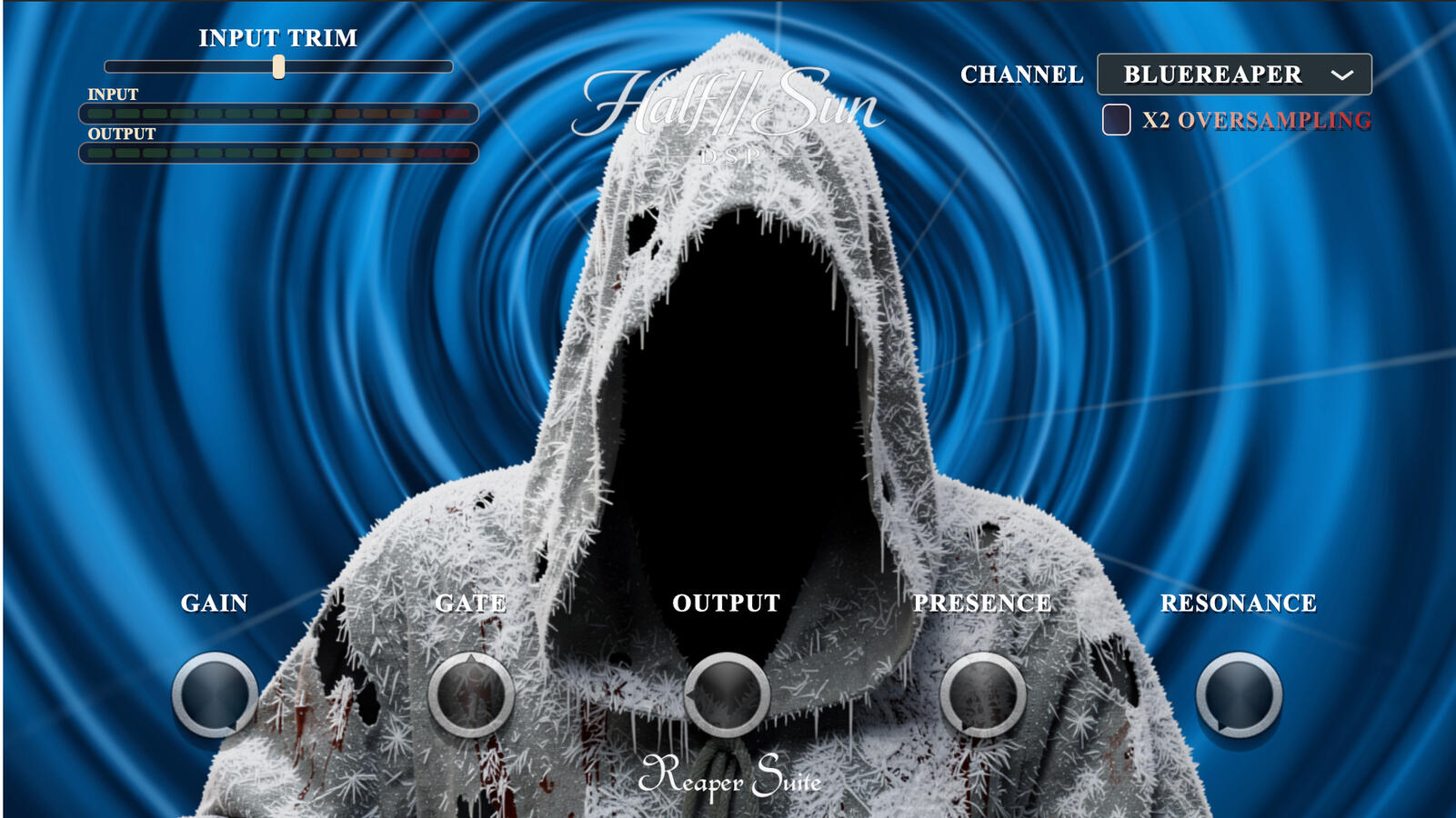
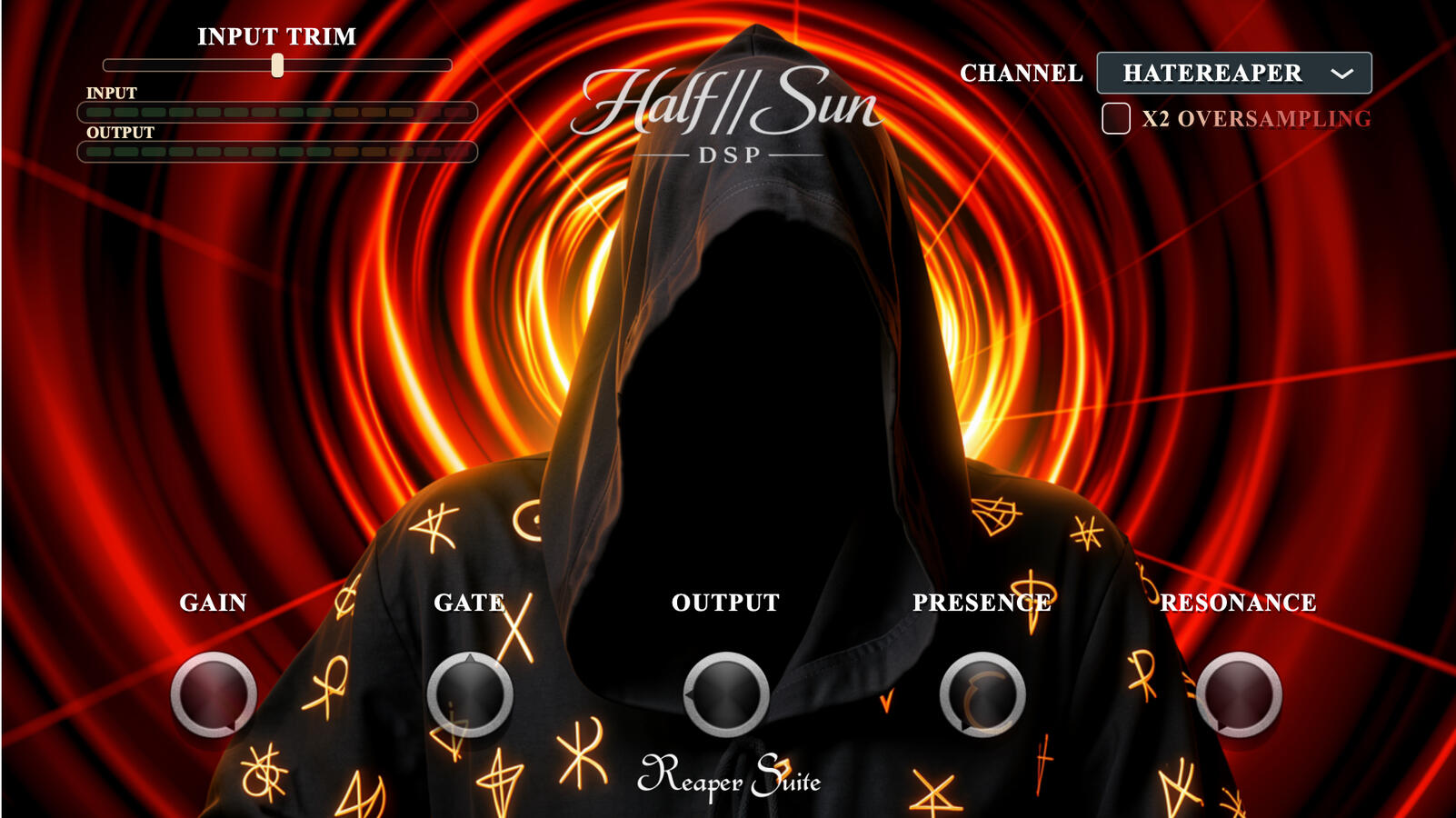
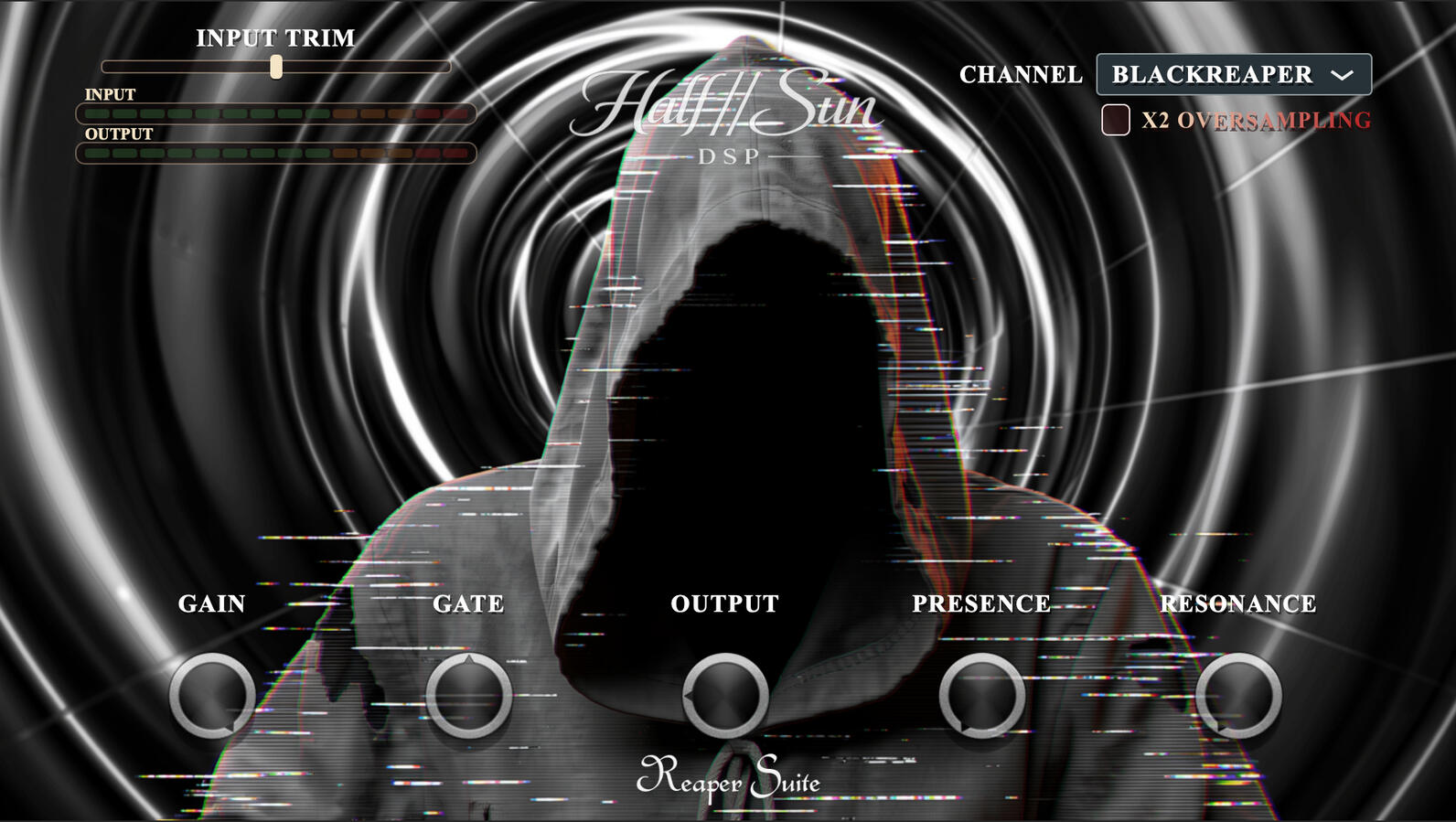
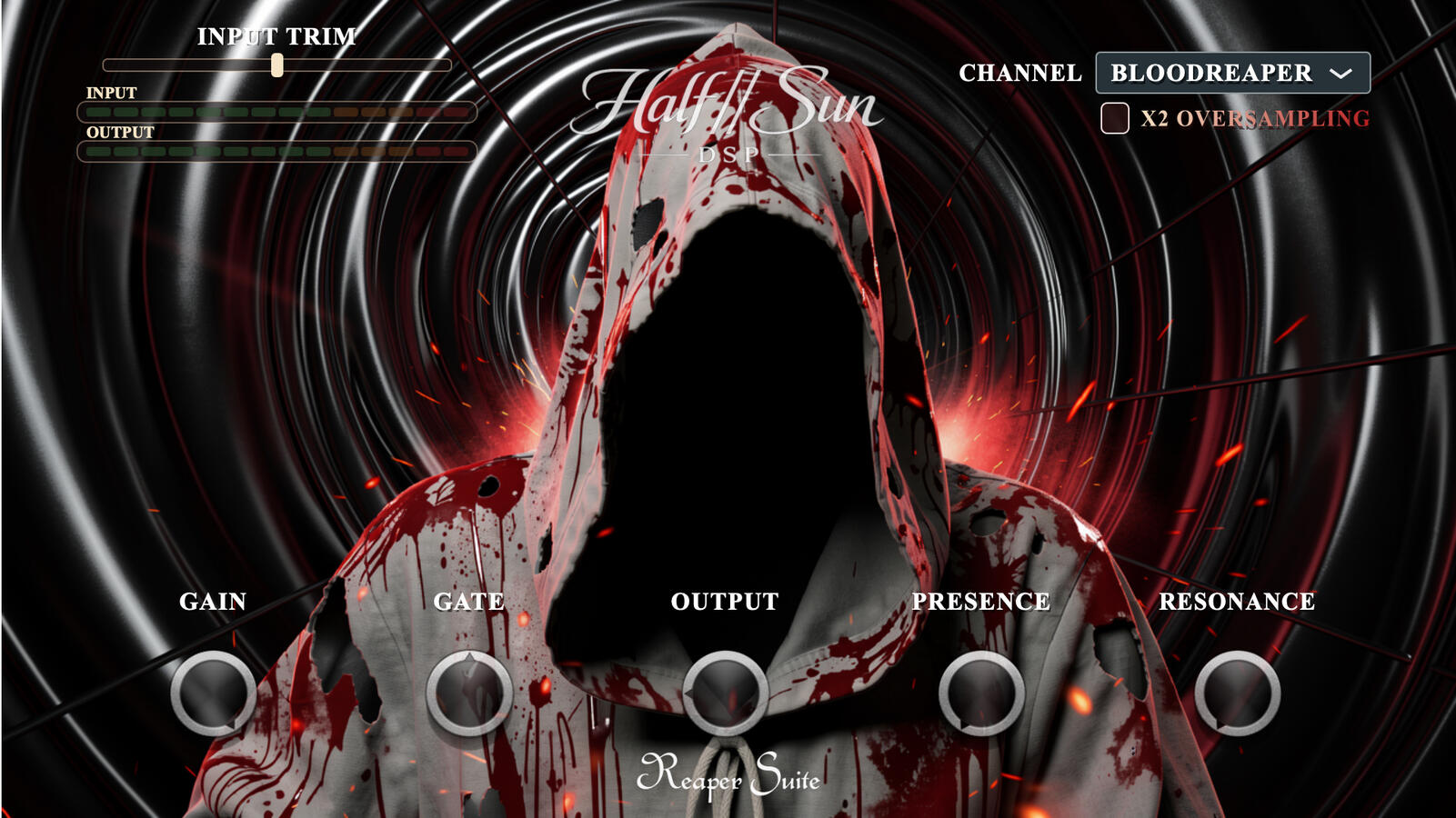
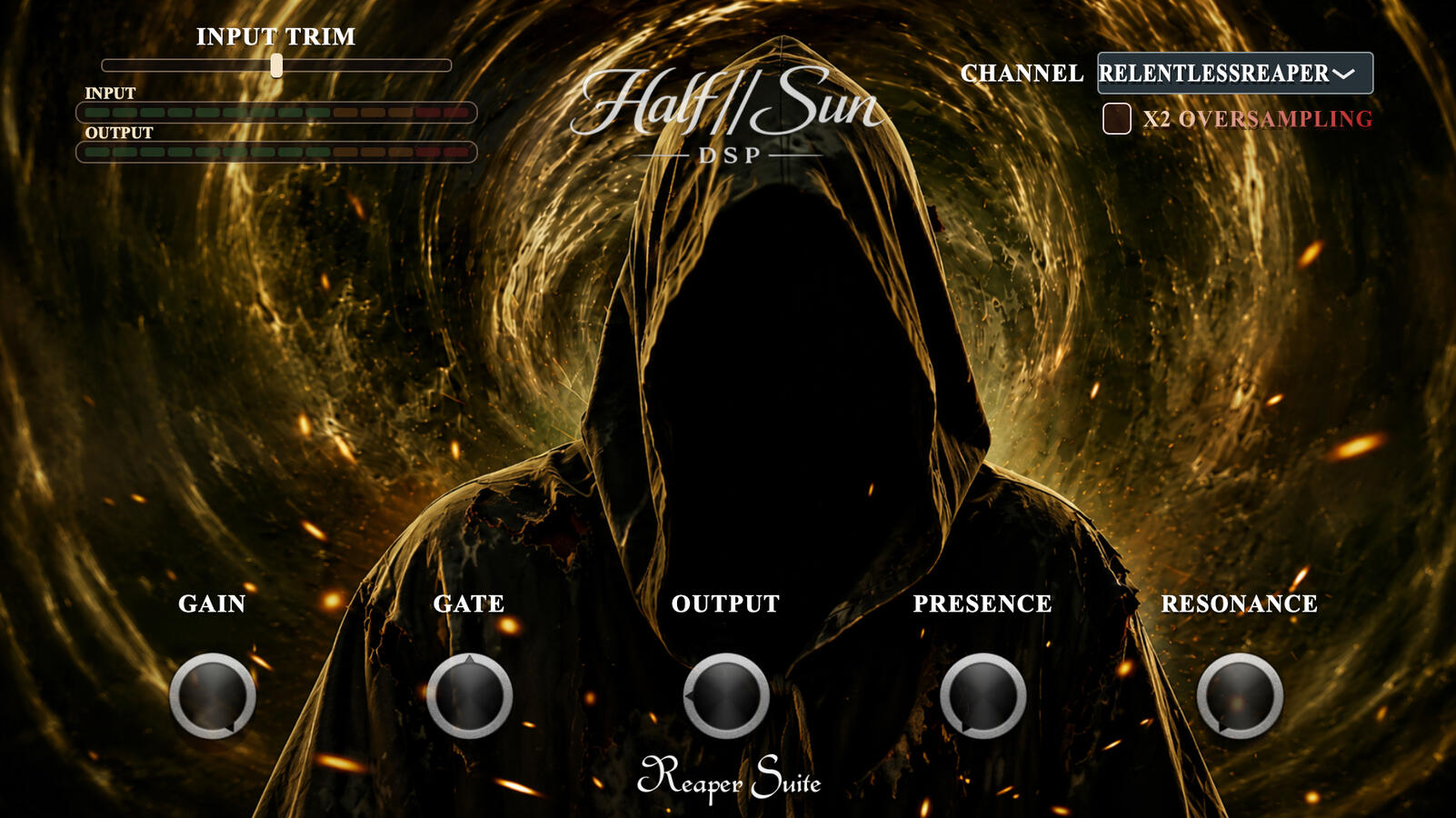
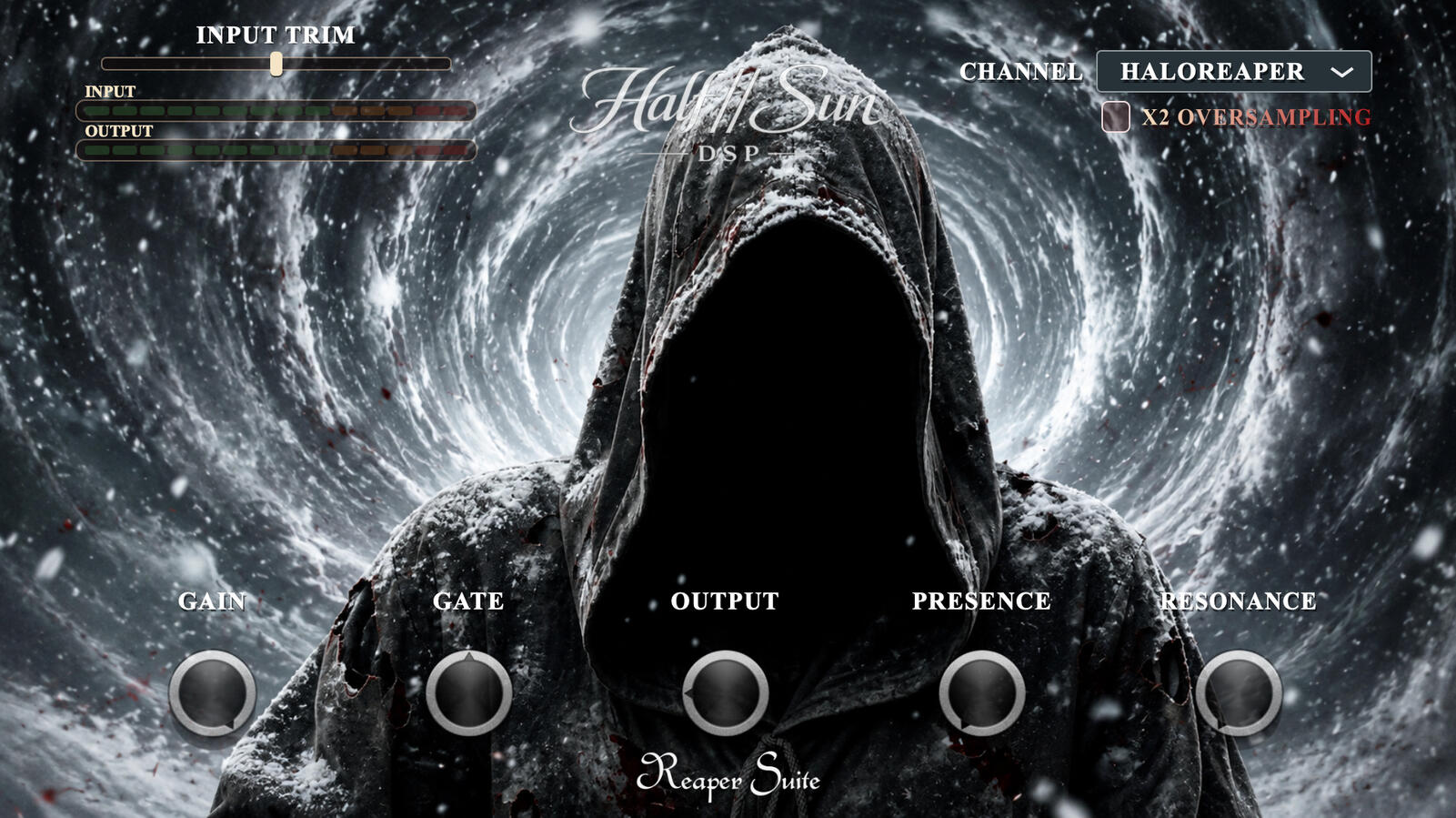
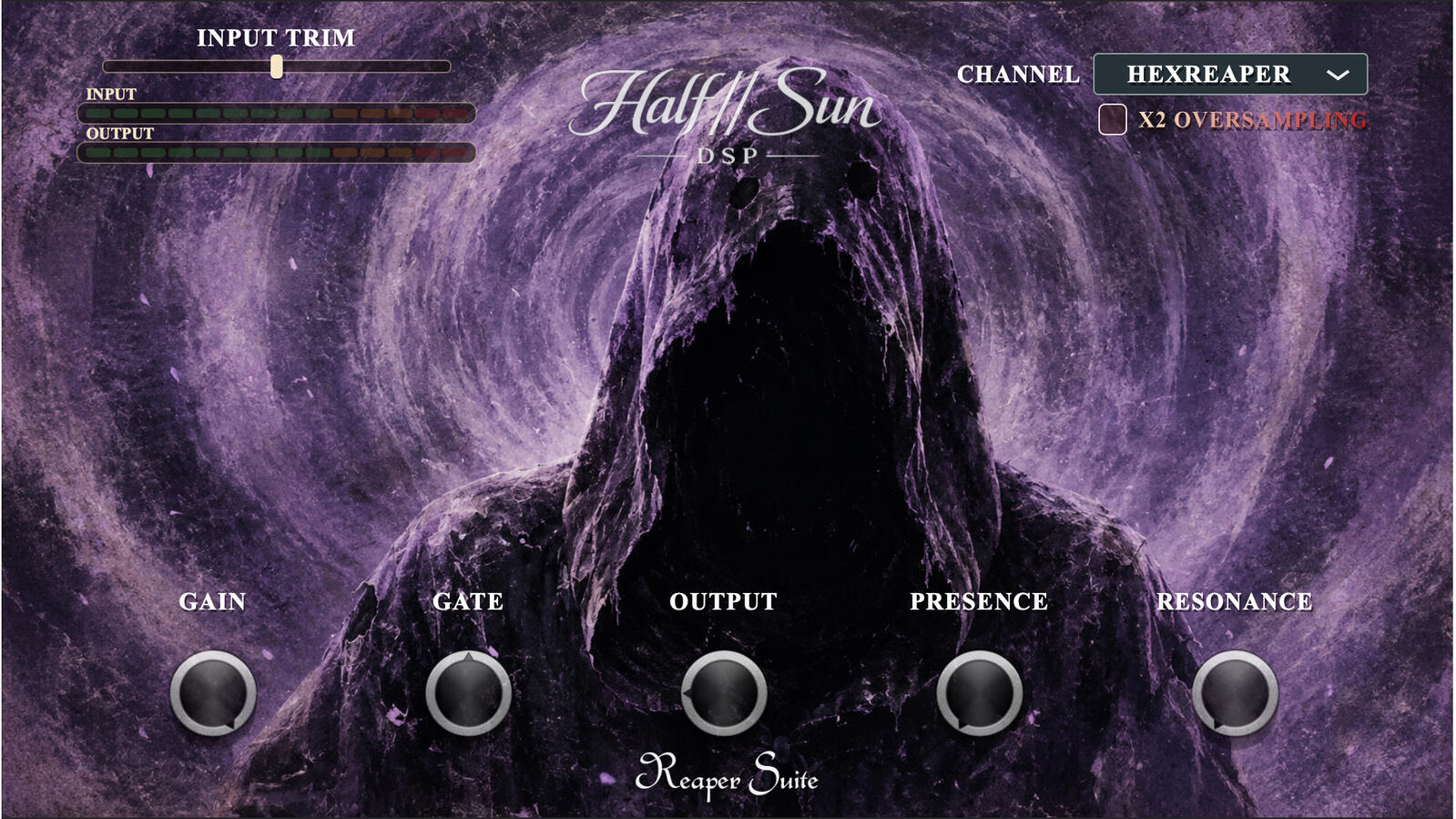
Each Reaper mode reflects a different point in the album progression, moving from the raw early records through to the later, more refined eras. Every channel keeps its own response, character and feel while giving you enough control to adapt the tone to your guitar, tuning and mix.
Control the amount of signal hitting the amp section before any tone shaping takes place. Use it to match different guitars, pickup outputs and onboard preamps without changing the core voicing of the selected Reaper mode. Push the input for more saturation, compression and lead response, or pull it back for hotter pickups and active electronics such as EMG-style systems or onboard MM04 / JE-1000-style circuits.
A fast, transparent gate designed specifically for tight high-gain guitar work. It cleans up unwanted hiss and string noise between notes while keeping the initial pick attack intact and avoiding the unnatural choking that can happen with overly aggressive gates. Dial it in for sharp stops and controlled palm mutes while still allowing sustained notes and leads to decay naturally.
Increase the internal processing quality of the amp stages for a smoother, more refined response when the gain structure is being pushed hard. Oversampling helps reduce aliasing and harsh digital artefacts, particularly on aggressive rhythm tones, dense chords and high-gain lead sounds. Use lower settings while tracking for efficiency, then raise it when you want maximum polish during mixing or final tone shaping.
Fine control over the amount of drive and saturation inside the selected Reaper mode. Each channel already has its own core response and character, so the Gain control lets you move around that sound rather than turning every mode into the same amp. Keep it lower for tighter rhythm definition and clearer chords, or increase it for thicker sustain, compression and more saturated lead tones.
Shape the low-frequency response and physical feel of the amp without changing the fundamental identity of the selected era. Higher settings add weight, depth and low-end impact, while lower settings tighten the bottom end for faster palm mutes, lower tunings and dense mixes. It is especially useful for balancing different guitars, cabinets, tunings and monitoring systems.
Control the upper-frequency response, attack and forwardness of the guitar tone. Increase Presence to add definition, pick attack and mix cut when the guitar needs to sit above dense drums or layered rhythm tracks. Reduce it when the tone feels too sharp or exposed. The control is voiced to bring out clarity while preserving the character of the selected Reaper mode rather than simply adding harsh top end.
Ten album-era inspired guitar channels spanning the complete ReaperSuite progression from RedReaper through HexReaper.